Rain’s forecast. Eighty clients need to know.
It’s Thursday afternoon and the forecast says a week of rain. Every slab pour in the estate will slip, and the clients behind those eighty jobs will want to know before they drive past an empty site on Saturday.
Writing the update is quick. Getting it out is slower. One option is to send it eighty times, one job at a time. The other is to export the job list to a spreadsheet, tidy up the contact details, run a mail merge in another program, and then try to remember which jobs were included. Either way, the email ends up in someone’s sent items rather than on the job, where the next person to talk to that client would look for it.
Bulk Email handles the whole process inside ClickHome.
Pick the jobs, write once
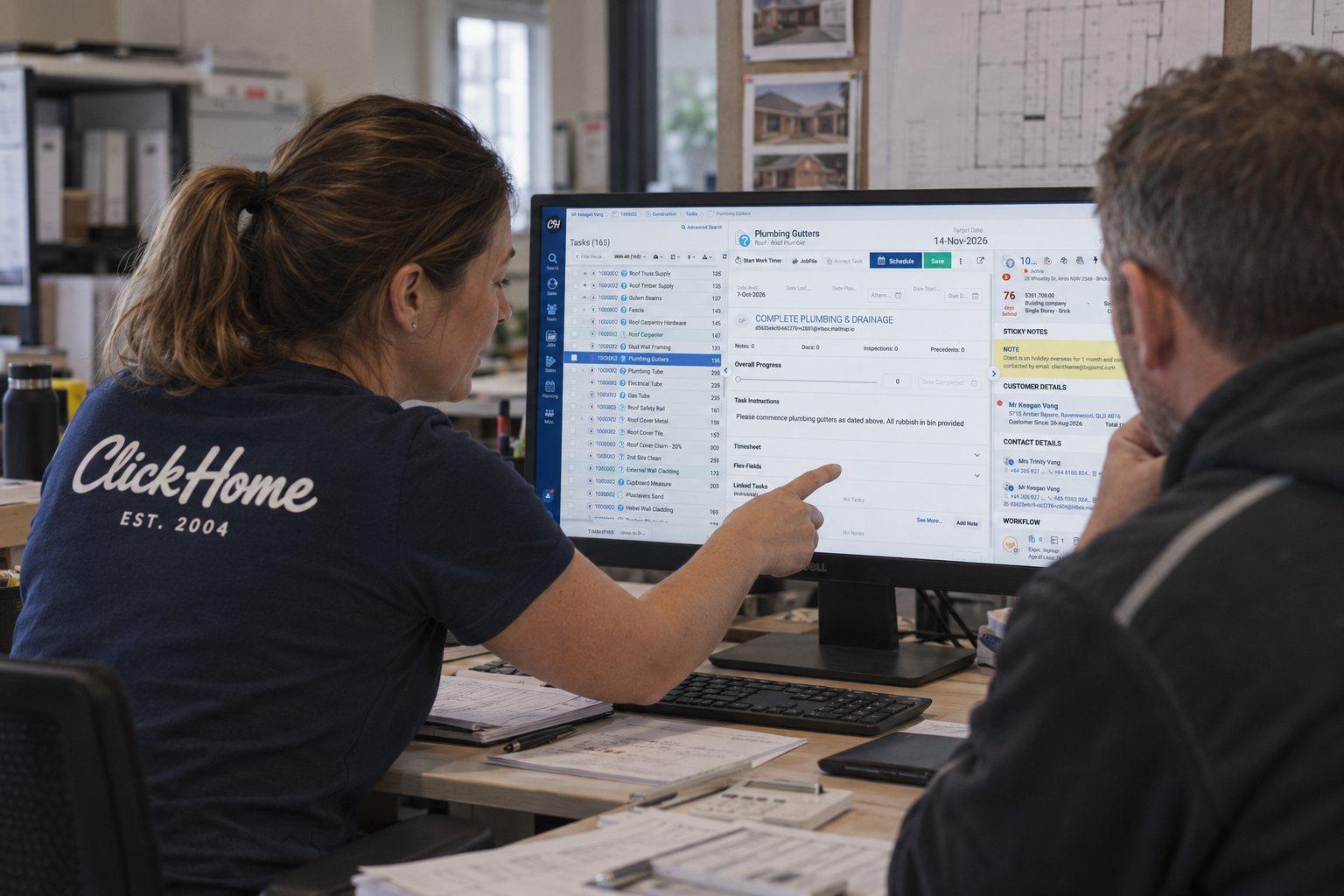
Filter your jobs on the job search screen, then select individual records or every job that matches the search. You write the email once in the built-in editor. Merge fields fill in each client’s name, address or job details, so every client gets a personal message without anyone typing it eighty times. You can also add images and attachments, such as a site map or an updated program.
For the messages you send regularly, like weather delays, site access notices and development updates, you can save the email as a template and reuse it next time.
A record on every job
Each email is sent from ClickHome and recorded against its job, with the sender, subject, send date and outcome. Anyone who picks up that job later can see exactly what the client was told and when.
Keep working while it sends
Larger sends are queued, so your team can carry on working in ClickHome while the emails go out.
Faster updates for clients
Clients who hear about a delay before they notice it are more likely to stay patient. Bulk Email makes it practical to tell everyone at once, while the news is still fresh.
Bulk Email is available out of the box to all ClickHome subscribers. Want to see how it works? Get in touch with our sales team.