During construction, information is generated continuously: an inspection result, a photograph of progress, a supplier conversation, a scheduling change, a site issue, a client decision.
The challenge isn’t simply capturing that information. It’s how quickly it becomes available to the rest of the business.
Construction is a live, interconnected process. A change in one part of a job can have a knock-on effect across the schedule, suppliers, trades and client communication. The longer it takes for information to move through the business, the greater the risk that someone is making a decision based on yesterday’s picture of today’s job.
Construction technology has an important role to play here. The goal isn’t simply to capture more information, but to reduce the lag between what is happening on site and when the business can see it, understand it and act on it.
Design around the work, not the systems
For supervisors, much of the work happens away from a desk. They move between jobs, coordinate trades, resolve issues and make decisions out in the field throughout the day.
Technology needs to work within that environment. If recording an inspection, accessing a document or updating a job requires a supervisor to stop what they are doing, or complete the task later, the system has added another step to the workflow, making it harder and more time consuming than it needs to be.
And when technology doesn’t fit the way people work, they find workarounds. Photos stay on phones. Updates are sent by text. Documents are emailed. Spreadsheets are created alongside the main system because they are quicker or easier for a particular task. Together, these workarounds create information outside the main workflow, making it harder for the business to maintain a single, current view of what is happening across its jobs.
Making information available in the field
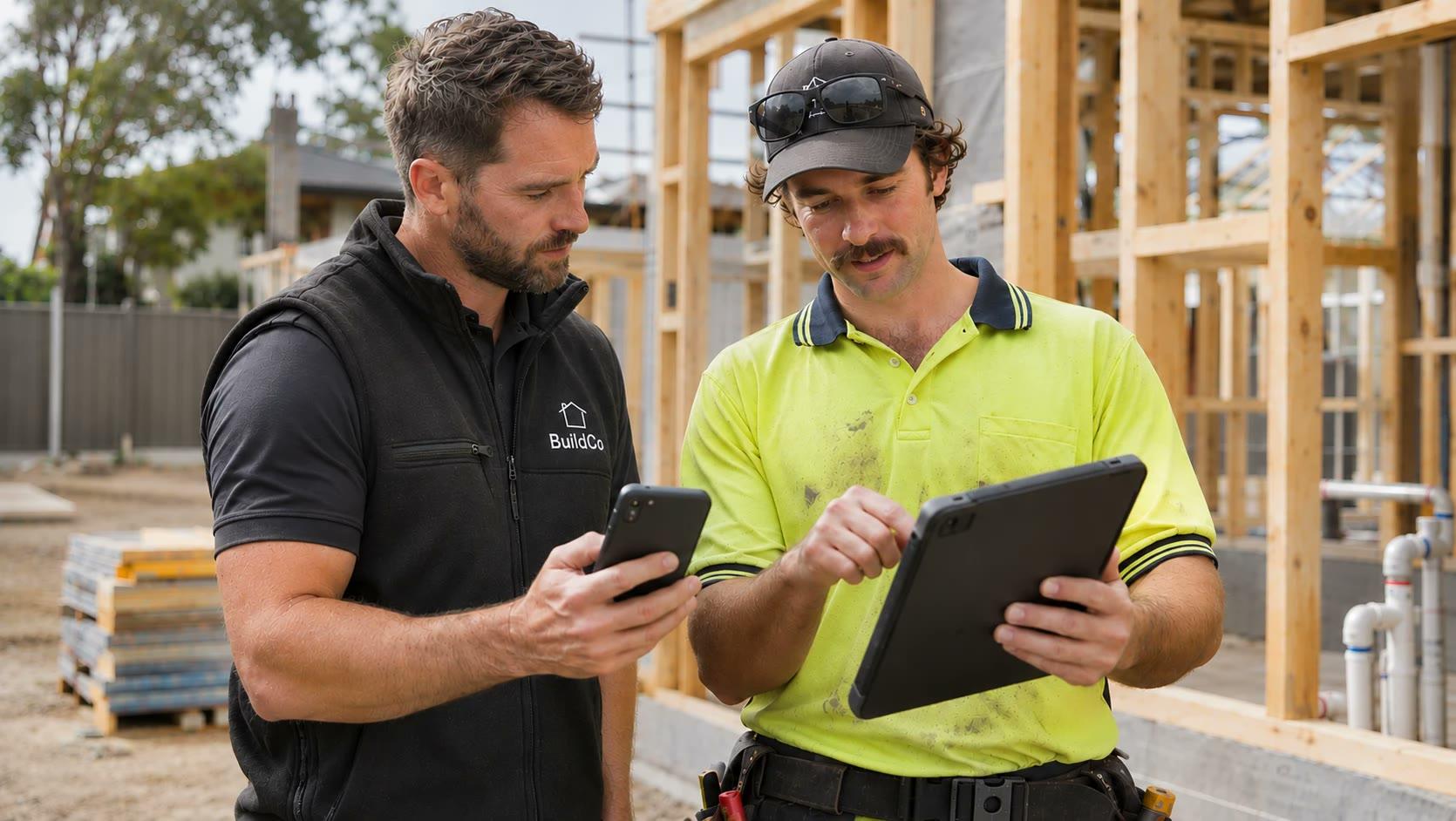
This is why mobile access to construction software is about more than convenience. A supervisor can complete an inspection while standing on site, capture photographs or video, access relevant documentation and update job activity without waiting until they return to a desk.
Information enters the business closer to the event itself, which matters in construction, where one decision can quickly affect another – a site issue can change a schedule, a scheduling change can affect a trade, and an inspection can trigger further work.
The earlier those changes are visible to the people responsible for acting on them, the less likely the information is to fall behind the work.
More data isn’t necessarily better data
Reducing information lag is only part of the challenge. Construction businesses are dealing with an enormous amount of information across jobs, systems and teams. Capturing it is only useful if people can quickly find what they need and use it when it matters.
A photograph is more valuable when it sits in the context of the relevant job or inspection. A document is more useful when the right version can be found without searching through emails. The same applies to contract information. Knowing how many days remain on a contract is far more useful when the system also captures the delays, events and extensions that have affected it.
Connecting the field to the wider business
For construction technology to reduce information lag, it needs to be accessible where the work is happening. That has been a core part of ClickHome’s approach for decades, with the ClickHome Field App giving supervisors the tools they need to manage their jobs from site.
The new ClickHome27 Field App builds on that foundation, with significantly expanded functionality designed to make working in the field even easier and, for the first time, supports mobile phones as well as tablets.
Available on all iOS and Android devices, the new Field App introduces Bolt AI, ClickHome’s native AI assistant, allowing supervisors to quickly surface job information and get help with tasks and next steps. FilePack makes related documents easier to group, find and share with suppliers, while video uploads and bulk photo capture make it quicker to capture and upload information from site. Improved inspections provide a more intuitive way to navigate and complete inspections, including photo uploads and notes.
Information captured in the field can be synchronised back to the company’s ClickHome system, while on-site check-ins give office teams visibility of where supervisors are working across their jobs. By making it easier for supervisors to capture and synchronise updates from site, information can be brought back into the business more regularly, giving teams a more up-to-date view of each job. Supervisors also have greater visibility of what needs to happen next, helping reduce the risk of missed scheduling changes, outstanding tasks or signoffs.
The new ClickHome27 Field App brings decades of experience designing technology for construction supervisors together with a much broader set of tools for working in the field. The result is a more connected way for supervisors and office teams to keep jobs moving. Get in touch to learn more.