A document sent for signature is one more thing for a builder to keep track of. Has it been approved? Has everyone necessary signed it? Does someone need a reminder? And once it’s complete, has the signed version been saved against the right job?
When you’re managing residential construction at scale, these questions recur throughout the building lifecycle across hundreds of projects. The challenge isn’t simply obtaining a signature. It’s managing everything around it, from preparing the right documents to tracking progress and maintaining an accurate job record.
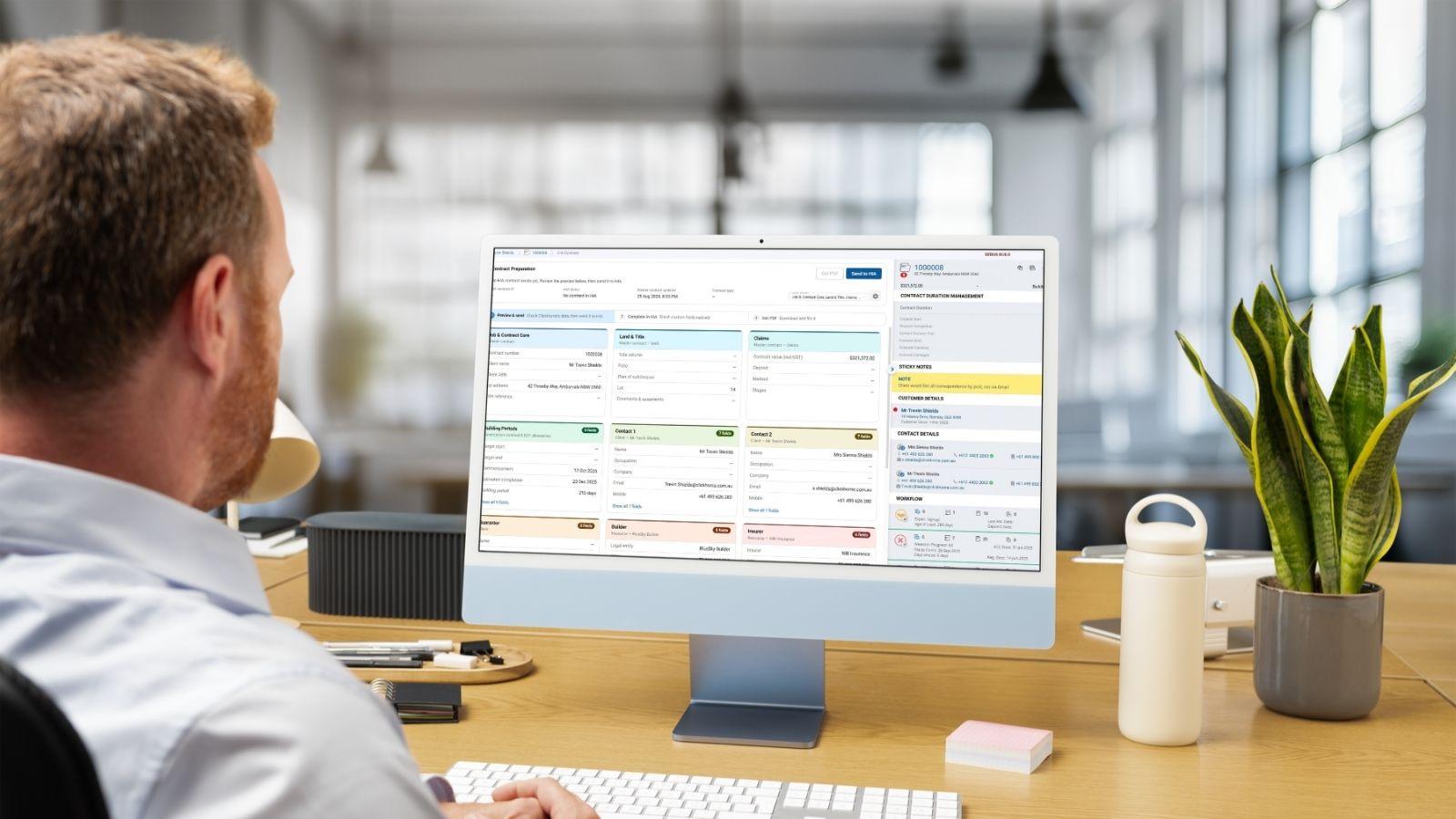
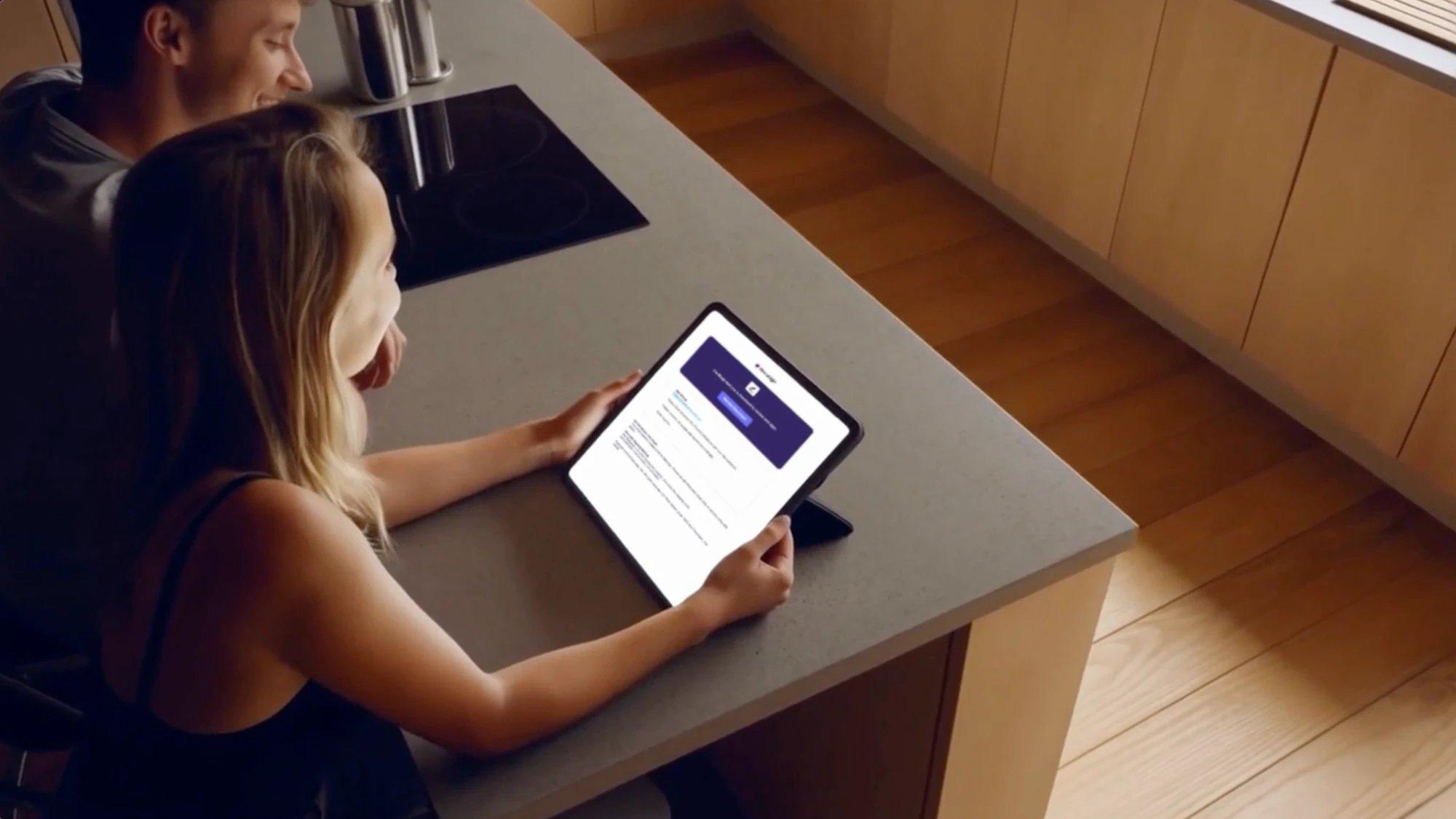
ClickHome Signings integrates DocuSign into the system, allowing builders to prepare, approve, send and track envelopes without leaving the platform. Completed PDFs are automatically returned to the job’s file records. Signings are available through the ClickHome app and MobileLeads, with options for customer, vendor/resource, ad-hoc and in-person signing workflows.
Getting the paperwork right before it goes out
Preparing a document for signature involves more than attaching a file. Recipients, signing order, approval requirements and signature fields all need to be correct, and the process can vary depending on the document.
ClickHome allows builders to create Signing Rules for different document types, defining recipients, signing order, subject, message, approver and witness requirements. Selecting a rule automatically populates the relevant documents and recipients.
Documents can be generated from Master Reports, selected from existing ClickHome files or uploaded directly. Users can preview and reorder documents before consolidating them into a single envelope. Signature, date and other DocuSign tabs can also be positioned automatically using tags embedded in reports and documents.
Knowing what’s outstanding without chasing updates
When multiple documents are moving between customers, contractors and internal staff, it can be difficult to keep track of what’s been sent, what’s awaiting approval and what still needs a signature.
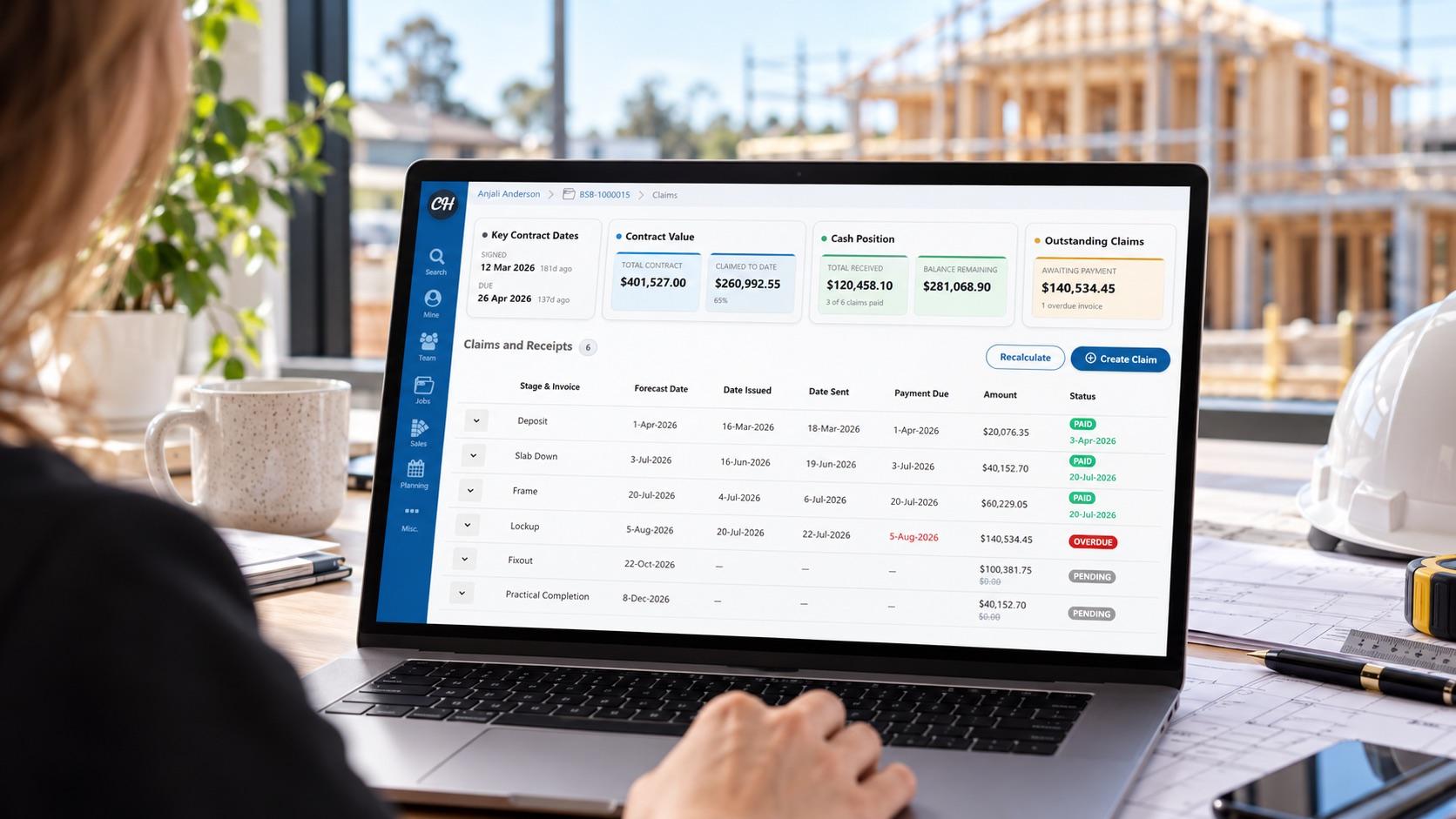
Through ClickHome, envelope status syncs back to the system in real time, showing whether a signing is awaiting approval, sent, signed, rejected, cancelled, expired or failed.
Status changes can trigger tasks and notifications, while reminders and expiry dates can be configured for each signing. If something changes before completion, users can update or void an unsigned envelope, add documents or resend it.
Making sure signed documents make it back to the job
Getting a document signed doesn’t necessarily mean the administration is finished. The completed version still needs to be saved in the right place so the team can refer to it later.
ClickHome Signings automatically returns the signed PDF to ClickHome, either as a new file or as the signed version of the original document. This removes the need to download completed documents from DocuSign and manually attach them to the job.
Establishing a consistent process across the team
Different staff members may handle contracts, variations and other agreements, but the process shouldn’t depend entirely on individual habits or knowledge.
The integration includes 11 ready-made signing templates covering common homeowner documents, including contracts, variations, extensions of time, progress payments, handover and defects, plus a site induction for trade contractors.
Access is configured by role. Sales and contract administration staff can create and send signings, managers can approve and cancel them, and system administrators can manage the templates. Optional email alerts can notify staff when a signing requires approval, has been sent or has been completed.
Connecting document preparation, approvals, signing status and filing to the job keeps these administrative steps within the same workflow as the build itself.
Like to learn more about ClickHome’s DocuSign integration? Get in touch for more information, including pricing, and a demonstration.